Assistive Listening Technology

Audio
Over WiFi

How it works

Audio is captured from a source, such as a person speaking, and transmitted through a sound system to an audio server connected to a venue’s Wi-Fi network. Users can thenaccess the live audio wirelessly on their personal device, such as a smartphone or tablet.

Once connected, the device receives live audio from the venue’s sound system, which can then be routed to hearing aids or cochlear implants either through Bluetooth or using a compatible neck loop or headset with telecoil support.

Audio over Wi-Fi systems typically rely on the user’s own smartphone to access sound, a model known as Bring Your Own Device (BYOD). While convenient for some, it may exclude those without a compatible device.

Using a personal device can offer a discreet and familiar way to access sound, especially where hearing loops aren’t an option. For some users, this can be easier than using unfamiliar equipment. To support broader access, many venues also provide ready-to-use receivers. However, individuals without a compatible phone, or who are unfamiliar with installing apps or connecting to networks may face barriers to access.
Latency is a key consideration with audio over Wi-Fi systems. It refers to the delay between the original sound and the streamed audio received on a personal device. This delay can vary depending on factors like the smartphone model, network performance, and system setup. While some systems promote low-latency performance, real-world results may differ, especially in busy or complex environments.
Audio over WiFi utilising a smartphone
How to Access an Audio Over WiFi System
inform
Inform
Ensure visitors are informed before they attend the venue to bring their own their device.
phone
Provide Access
Provide secure access to and instructions on the required app.
provide access
Provide Alternatives
Provide alternative receivers for those without a Smartphone.
Listen
Listen
Listen to clear (although not latency free) audio.
Audio Over WiFi Advantages
Devices Widely Available
Users can access sound via their own smartphones or tablets, reducing the need for shared equipment.
Free Movement
Freedom of movement across large areas without fluctuation of signal strength.
Less Overhead
“Bring your own devices” reduce venue management and hygiene concerns.
Flexible Installation
Wi-Fi-based systems can be deployed in venues where traditional systems like hearing loops or infrared may not be feasible..
Multi-channel
Multi-channel audio available.
Audio Over WiFi Limitations
Variable Latency
Audio delays can occur depending on the environment, device, and system configuration, which may affect the listening experience.
Requires smartphone access and literacy
A significant segment of the demographic do not have a smartphone, not all users feel confident installing and using the required app.
Network Dependant
Performance depends on the quality and stability of the Wi-Fi network, which may not always be reliable.
App Dependence
Users must download a specific app, which may present barriers due to data limits, app store access, or digital confidence.
BYOD Issues
Users must have head or earphones or the ability to connect via Bluetooth or a neck loop to their hearing aids
Research Gap
No peer reviewed studies are available on the benefits of WiFi systems for people with hearing loss.

What is a Telecoil?

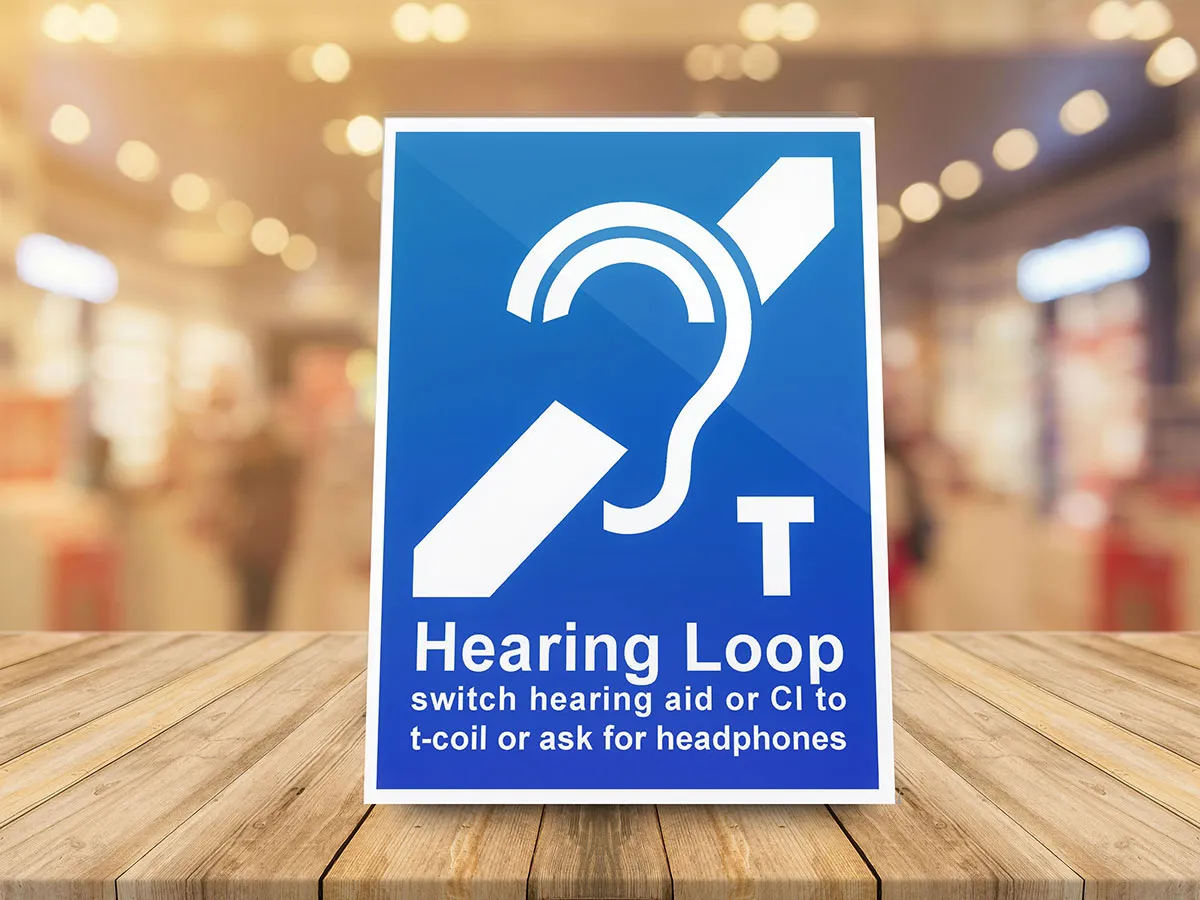
A telecoil (or "T-coil") is a small copper wire loop embedded in many hearing aids and cochlear implants. It functions as an electromagnetic receiver, designed to detect signals from an assistive listening system.

When enabled, the telecoil bypasses the device’s microphone and directly converts the magnetic field generated by the loop into audio signals. This allows for clearer, more focused sound by minimizing ambient noise and enhancing speech transmitted through microphones or public address systems.

Simple to use
A telecoil lets you connect directly to hearing loops in public venues and at home with no extra equipment needed. Simply switch your hearing aid or implant to T-mode to tap into clear, direct sound.
Often Overlooked
Many hearing-aid and implant users are never informed that a telecoil exists. Unaware of it, they miss out on any benefits a Telecoil can provide.
Telecoil FAQs

Frequently
Asked
Questions
About
Telecoils

What is a telecoil?

A telecoil (or “T-coil”) is a tiny copper loop built into many hearing aids and all cochlear implants. When you switch to the “T” program, the device stops using its microphone and instead receives the magnetic signal broadcast by an assistive-listening system—most often a hearing loop, FM/RF, or infrared feed—and converts that signal directly into clear, high-fidelity audio.

How do I activate a Telecoil?

Switch your hearing aid to the T program when you’re in a looped area. This turns off the microphone and lets your aid pick up the loop’s magnetic signal for clearer sound. Switch back to normal to hear as usual.

If you need to hear both loop audio and ambient sound, e.g., conversation with someone beside you—choose the “MT” or “Mic+T” program if your aid offers it.

Why should a hearing aid include a telecoil?

A telecoil effectively doubles the versatility of your hearing device. It gives you instant, cable-free access to loop-equipped theatres, transport hubs, houses of worship, council chambers, museum tours, and even in-home TV loops. The result is markedly clearer speech with minimal background noise and no extra hardware to carry.

Isn’t Bluetooth sufficient?

Bluetooth is ideal for short-range links to a phone or tablet, but it is not the global standard for large-area assistive listening and often requires brand-specific accessories. A telecoil is universal: walk into any looped venue, flip to “T,” and you are connected.

How can I confirm whether my current aids have an active telecoil?

Check with your audiologist or your user manual. Many models highlight the feature with a “T” in the product name (e.g., miniRITE T) or list “telecoil” in the specifications, but the program may still need to be enabled in the clinic.

What should I specify when purchasing new aids?

Ask for access-ready instruments that include a Built-in telecoil. Ideally, a single button or app should let you switch between microphone, telecoil, and Auracast modes without neck-loops or dongles.

Using a Telecoil
How to use your Telecoil
1. Check your device
Confirm your hearing aid or cochlear implant has a built-in telecoil.
It’s often listed as “T” or “MT” in the manual or settings.
2. Find the "T" switch
Look for a physical switch, button, or app setting to toggle T-mode. Some devices switch automatically when near a loop.
3. Test It Out
Your telecoil will pick up sound in venues with hearing loops, or when using a neckloop provided by IR or FM systems. No extra equipment needed on your end.

Common Audio Over WiFi Applications

EQUIPMENT PERFORMANCE STANDARDS

Neck loop must provide a signal compliant with IEC 60118-4 when measured as specified in IEC 62489-1

ACCESSIBILITY STANDARDS

Venue cannot guarantee compliance with ADA Table 219.3 if bring your own device is expected

Free AV Pro's Guide to Real-Time Wi-Fi Audio for Assistive Communication

Free AV Pro's Guide to Real-Time Wi-Fi Audio for Assistive Communication

Featured
News